 Masebha
Features
Every feature in detail
A simple tour of what the app offers.
Your azkar, your way
Add, edit and remove the azkar you need, and set a lap target for each. Prayed outside the app? Edit the total yourself. To reorder, press and hold a zikr and drag it up or down.
أستغفر الله
2873
اللهم صل على محمد
1146
سبحان الله
5420
الحمد لله
4985
الله أكبر
4730
لا إله إلا الله
3318
سبحان الله وبحمده
912
Every tap counts
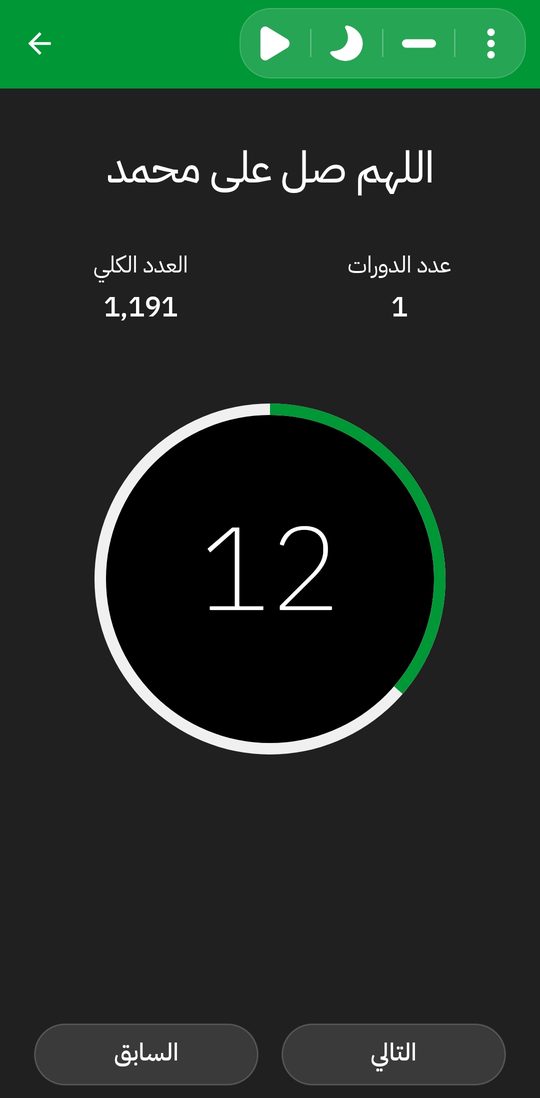
Tap anywhere on the screen, not just the button. Tapped by mistake? The (−) button undoes it. Move between azkar with Previous and Next.
A quiet night mode
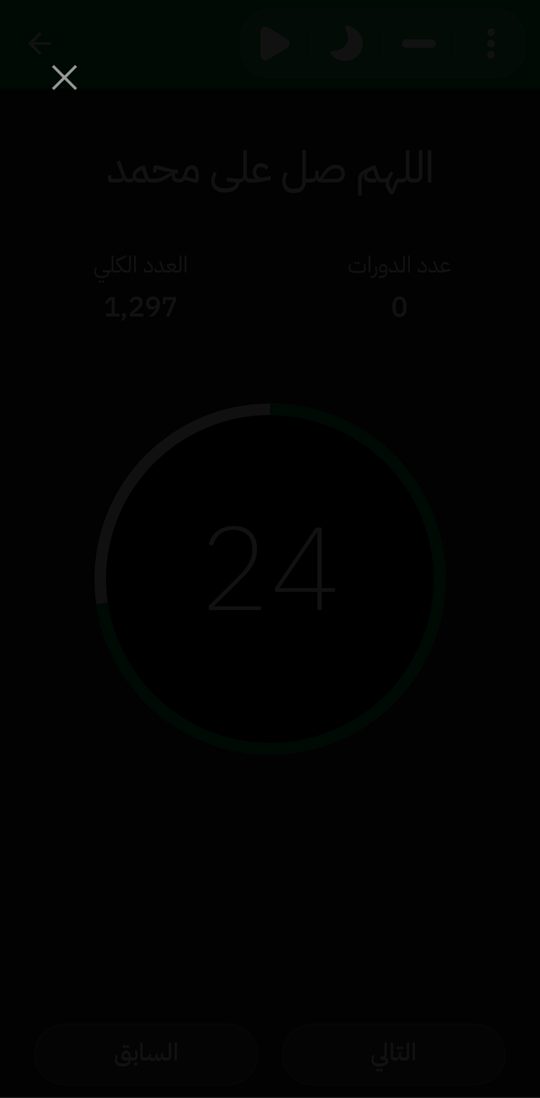
Keep your dhikr between you and Allah, and save battery. The screen goes fully dark and every tap still counts.
Auto timer
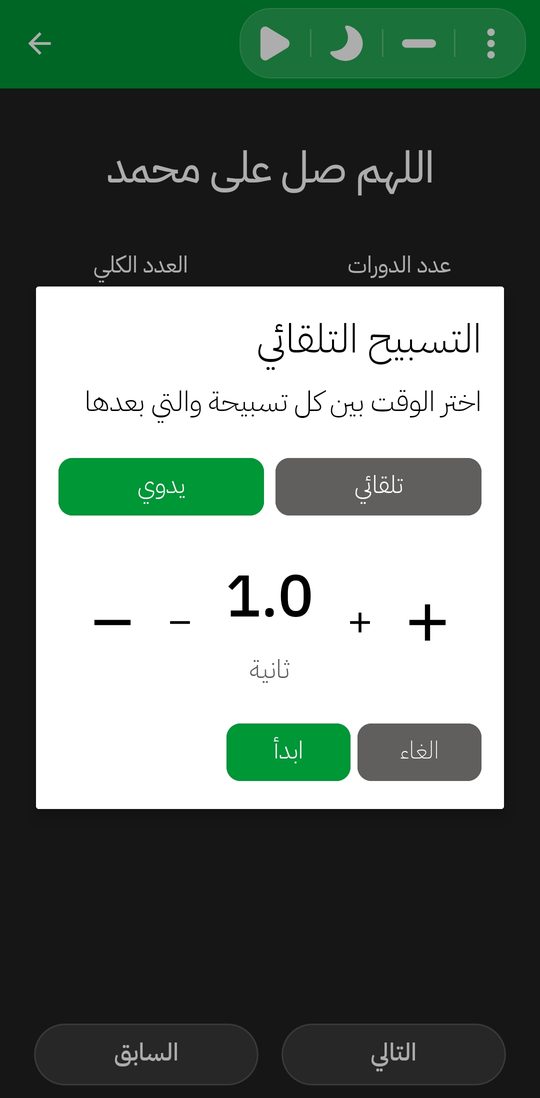
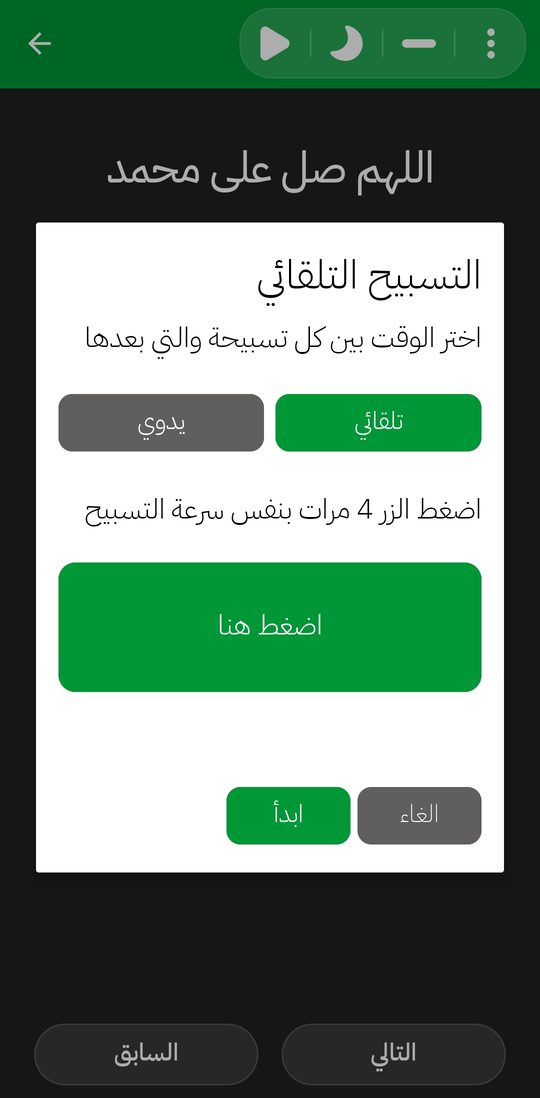
Tap the three dots, then “Edit timer”. Set the interval by hand, or tap 4 times at the pace of your dhikr and it’s set for you. Every zikr keeps its own timer, and the play button starts or pauses it. It keeps going when you press Home, even with the screen off, though on some phones counts may arrive a little late because of the system’s battery saving.
Quick options
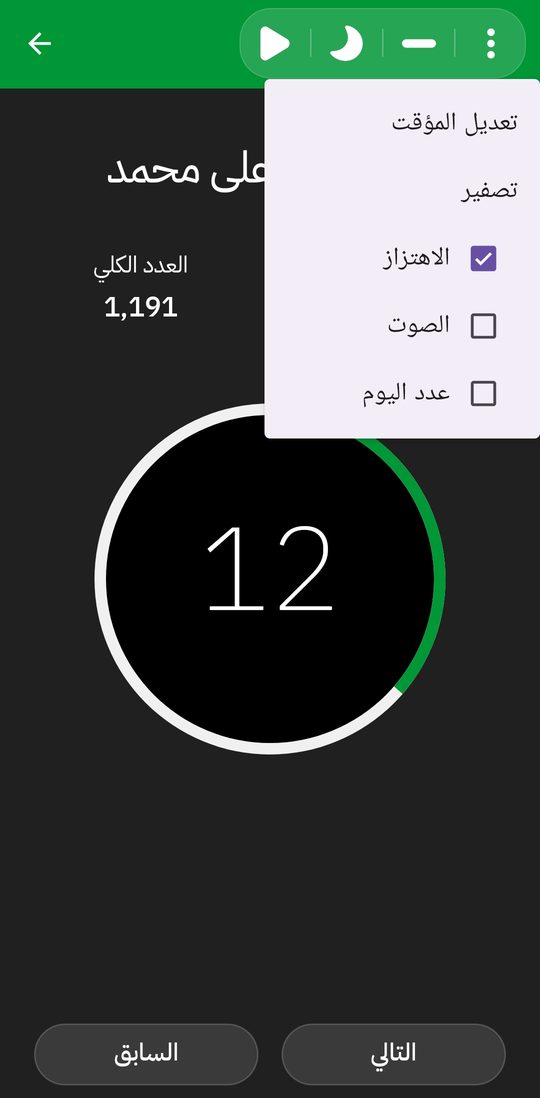
From the three dots, show or hide the day and session counts, and switch sound or vibration for every tap. Your choices are remembered until you change them.
Settings
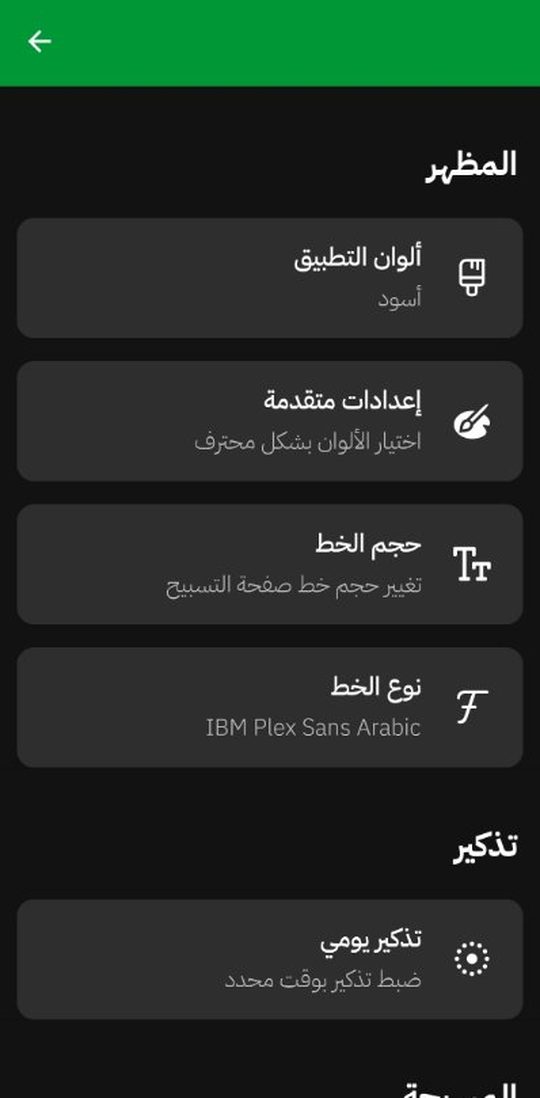
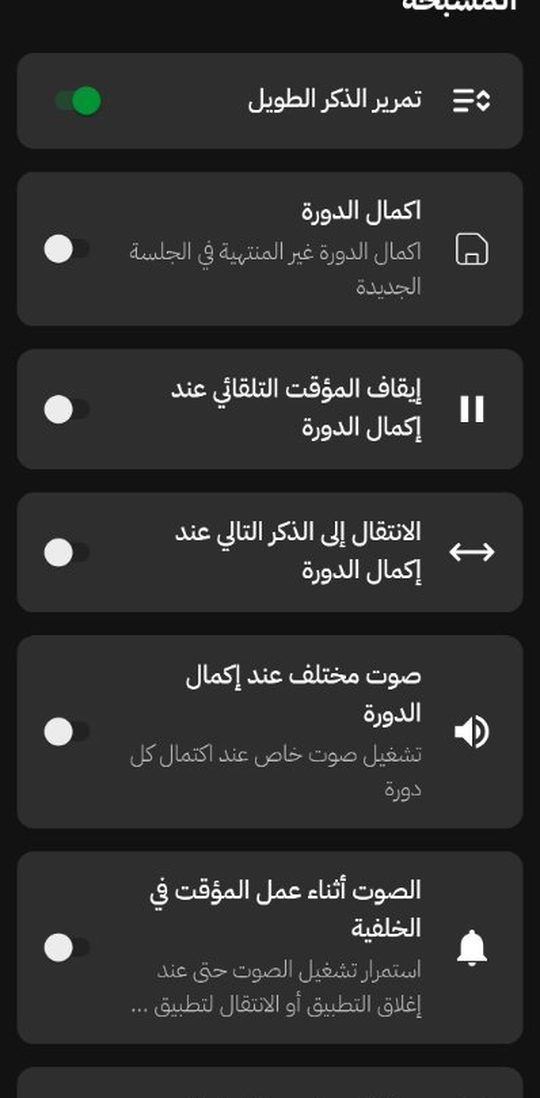
Settings that fit you
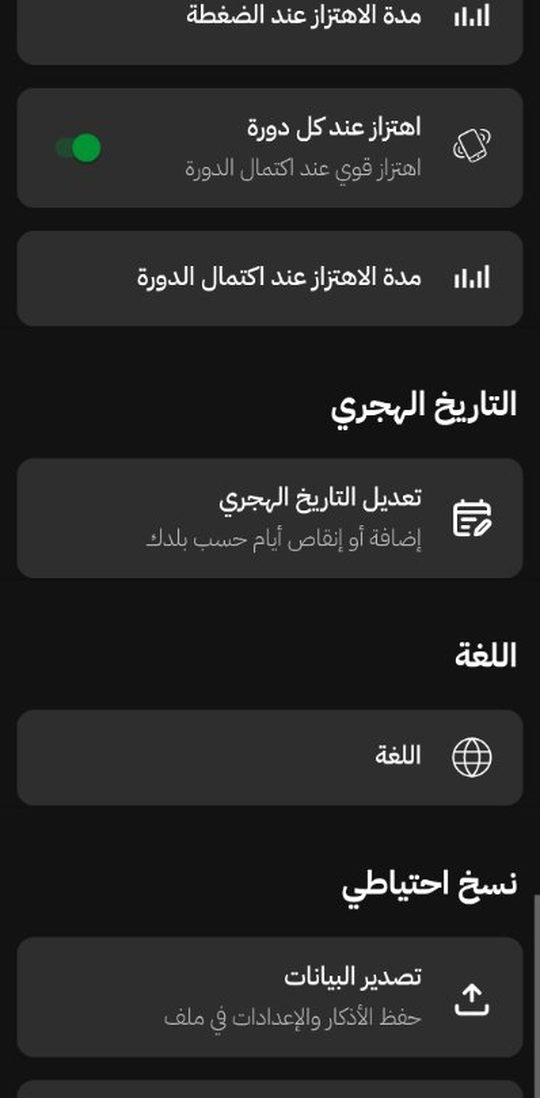
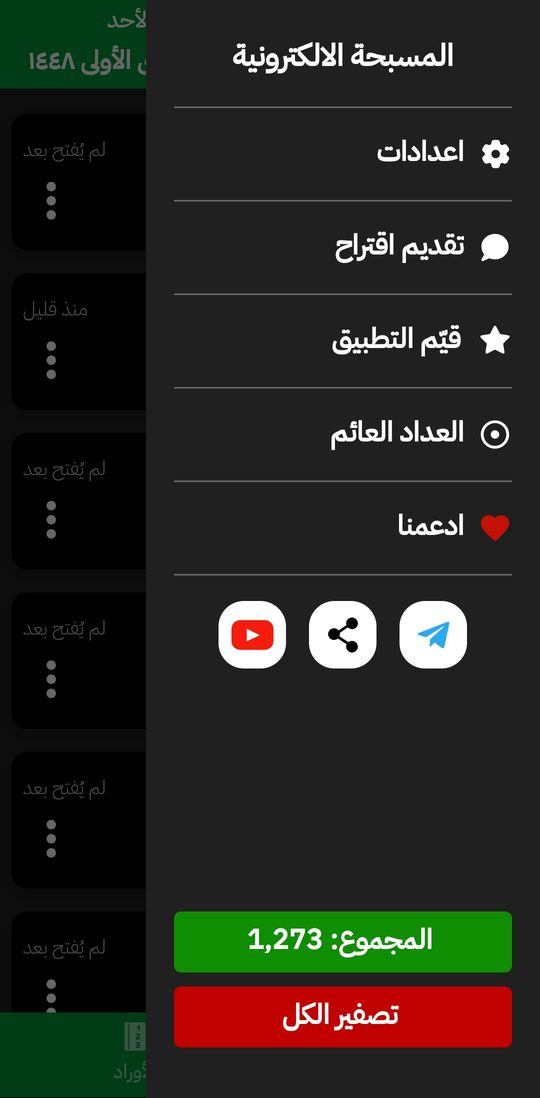
Everything one tap away
From the side menu: settings, rate the app, suggest an improvement, or support us.
For supporters
Two big extras for supporters
On top of everything above, supporters get themes with Islamic pattern backgrounds, an elegant font list, and these two features:
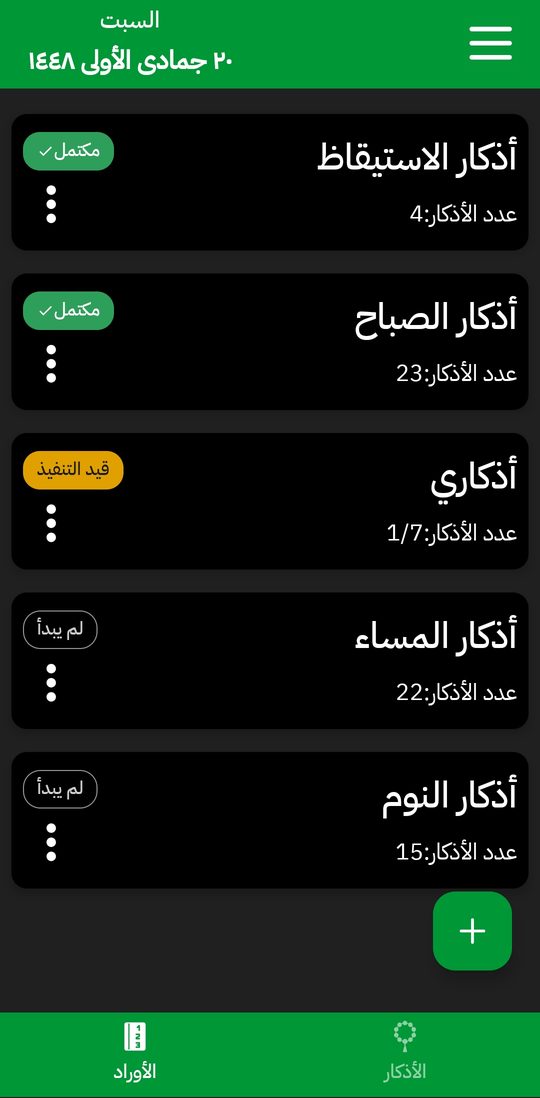
Wirds
Create, edit and order your wirds, and track your daily progress. A wird is like a folder of several azkar, like morning azkar or tasbeeh and tahmeed. If you don’t finish a wird, it asks whether to continue or repeat it the next day.
Floating counter
Keep your dhikr going while you use any other app! For now it has its own total, and soon it will work with any zikr.